Theia IDE
Eclipse Theia IDE is a free, open-source, AI-native cloud and desktop IDE developed by the Eclipse Foundation. Built on the modular Theia Platform (not a VS Code fork), it supports VS Code extensions via Open VSX, LSP-based language support, and integrates Theia AI for customizable, model-agnostic AI assistance.
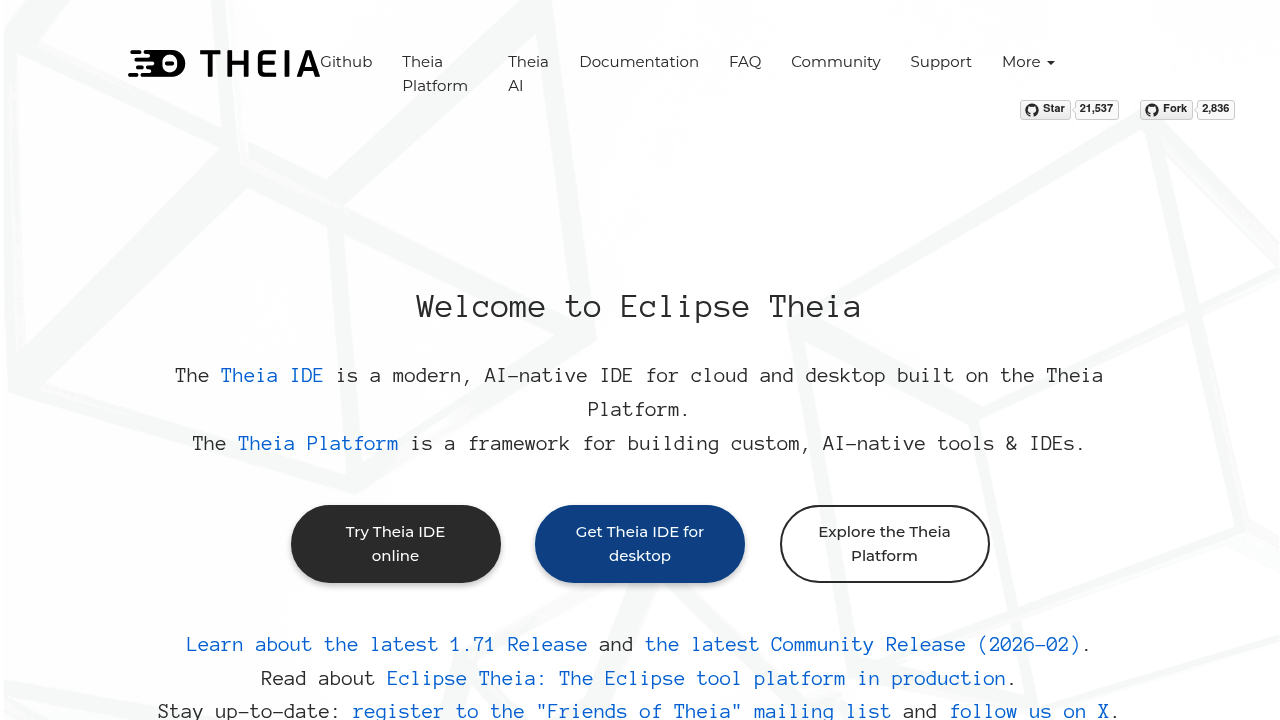
Eclipse Theia IDE: A Cursor Alternative for Open-Source Cloud and Desktop Development
Eclipse Theia IDE is a free, open-source, AI-native cloud and desktop IDE developed by the Eclipse Foundation. Built on the modular Theia Platform — not a VS Code fork — it supports VS Code extensions via Open VSX, LSP-based language support across dozens of languages, and integrates Theia AI for customizable, model-agnostic AI assistance. As a Cursor alternative, it targets developers, enterprises, and tool builders who need a fully open, extensible IDE without proprietary licensing constraints.
Eclipse Theia IDE vs. Cursor: Quick Comparison
| Eclipse Theia IDE | Cursor | |
|---|---|---|
| Type | AI IDE (cloud + desktop) | Standalone IDE (VS Code fork) |
| Pricing | Free (Apache-2.0) | Free / $20 / $40 per month |
| LLM choice | Model-agnostic (Theia AI) | Built-in models + own key |
| Offline / local models | Yes (via Theia AI configuration) | No |
| Open source | Yes (Apache-2.0) | No |
| Codebase indexing | Yes (LSP-based) | Yes (automatic) |
| Multi-file edits | Yes | Yes |
Key Strengths
- Not a VS Code fork: Theia IDE is built on the independent Theia Platform, not a fork of VS Code's Electron app. This architectural independence means it can be embedded in web applications, run in cloud environments without a desktop process, and customized at a deeper level than any VS Code derivative. For enterprises building custom developer portals or cloud IDEs, this matters significantly.
- Model-agnostic AI (Theia AI): Theia AI integrates AI assistance that is not tied to any specific provider. You can configure it to use OpenAI, Anthropic, local Ollama models, or any API-compatible endpoint. This is fundamentally different from Cursor, which manages model selection itself and limits bring-your-own-key options.
- VS Code extension compatibility: Theia IDE supports VS Code extensions via the Open VSX registry. Most popular extensions — language support, linters, formatters, debuggers — install and run without modification, reducing migration friction for developers switching from VS Code or Cursor.
- Cloud and desktop parity: The same Theia IDE runs in a browser (cloud) and as a native desktop app. Teams can offer a consistent development environment whether developers are on-premises, remote, or using web-based dev environments, with no feature disparity between modes.
Known Weaknesses
- Less polished AI UX than Cursor: Cursor's inline AI features — tab completion, inline diffs, Composer — are tightly integrated and tuned for daily use. Theia AI is more configurable but requires setup and lacks the same level of out-of-the-box polish. Developers who want AI features that just work without configuration will find Cursor more accessible.
- Smaller AI-specific community: Cursor has a large, active community sharing prompts, workflows, and extensions specifically around AI coding. Theia's community is strong for enterprise IDE embedding but thinner on AI coding workflows and tutorials, which makes troubleshooting and learning harder for new users.
Best For
Eclipse Theia IDE is best for organizations that need a fully open-source, self-hostable IDE with no proprietary licensing, enterprises building custom cloud development environments, and developers who require model-agnostic AI integration. It is also well-suited for teams running air-gapped or highly regulated environments where third-party cloud model APIs cannot be used.
Pricing
- Free: Eclipse Theia IDE is fully free and open-source under the Apache-2.0 license. No subscription, no usage limits imposed by the IDE itself.
Prices are subject to change. Check the official Theia IDE site for current details.
Technical Details
- Models supported: Model-agnostic via Theia AI — OpenAI, Anthropic, Ollama, and any compatible API
- Context window: Depends on configured model
- IDE / platform: Browser (cloud) and native desktop; built on Theia Platform
- Offline / local models: Yes — via Ollama or local API endpoints
- Codebase indexing: Yes, LSP-based language intelligence
- API access: Yes (bring your own keys)
- Open source: Yes, Apache-2.0
How It Compares to Cursor
Cursor is a proprietary IDE with curated AI features designed for immediate productivity. Theia IDE is an open-source platform with configurable AI that requires more initial setup but offers far greater control and extensibility. Cursor is faster to get productive with; Theia is better when licensing, self-hosting, or deep customization are requirements. For enterprises building developer platforms or needing local model support, Theia's architecture is a better foundation.
Conclusion
Eclipse Theia IDE is the right choice for developers and organizations that need a free, open-source, self-hostable IDE with flexible AI integration. If you want the fastest out-of-the-box AI coding experience, Cursor delivers that more immediately. But for enterprises with compliance requirements, teams building custom IDEs, or developers who need local model support without proprietary lock-in, Theia IDE is the technically superior foundation.
Sources
FAQ
Is Eclipse Theia IDE free?
Yes. Theia IDE is completely free under the Apache-2.0 open-source license. There are no paid tiers or usage limits imposed by the IDE itself.
Does Theia IDE work with VS Code extensions?
Yes. Theia IDE supports VS Code extensions via the Open VSX registry. Most popular extensions install and work without modification.
How does Theia IDE compare to Cursor?
Cursor is a proprietary, polished AI IDE with curated model integration. Theia is open-source, model-agnostic, and more configurable but requires more setup. Cursor is easier to start with; Theia gives more control and is free with self-hosting support.
Can Theia IDE run in a browser?
Yes. Theia IDE runs both as a native desktop application and in the browser as a cloud IDE, with full feature parity across both modes.
Reviews
No reviews yetSimilar alternatives in category
Windsurf
Windsurf is the world's most advanced AI coding assistant for developers and enterprises. Windsurf Editor — the first AI-native IDE that keeps developers in flow.

Zed
High-performance, multiplayer code editor with integrated AI assistance from the creators of Atom.

Tabby
Self-hosted AI coding assistant offering open-source, on-premises alternative to GitHub Copilot.