Meku
AI web app builder for developers who want React and Tailwind output, GitHub sync, and code export instead of staying inside a closed hosted IDE.
Meku: A Cursor alternative for technical founders and product-minded developers who want prompt speed with code export and GitHub continuity
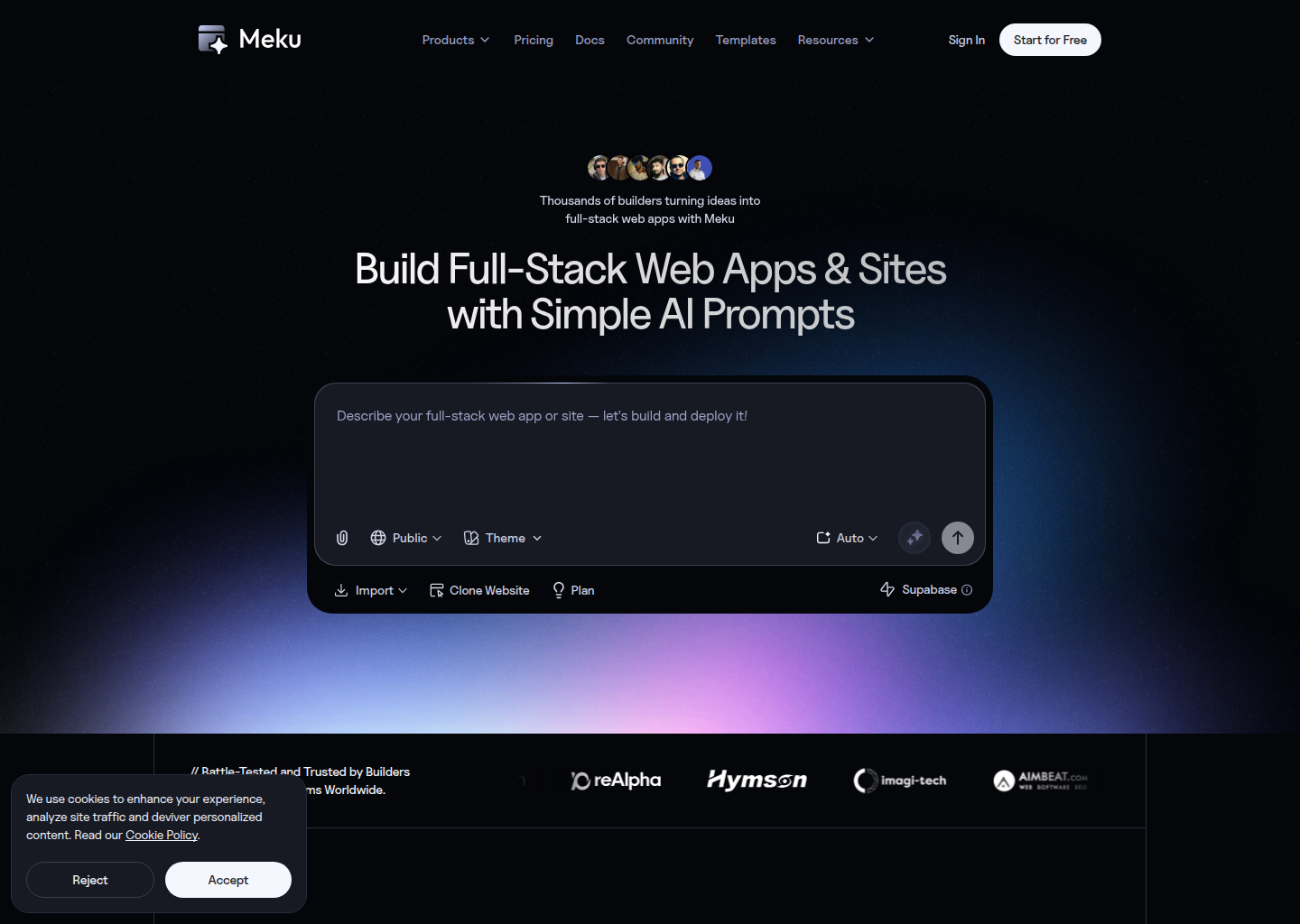
Meku is a AI app builder developed by Meku. It centers the workflow on browser-native app generation, code ownership, and GitHub sync instead of treating the editor as the main product surface. As a Cursor alternative, it targets technical founders and product-minded developers who want prompt speed with code export and GitHub continuity.
Meku vs. Cursor: Quick Comparison
| Tool | Cursor | |
|---|---|---|
| Type | Browser-based AI app builder | Standalone IDE (VS Code fork) |
| Pricing | Free tier, then paid plans from $19/month | Free / $20 / $40 per month |
| LLM choice | Not publicly documented in detail | Built-in models + own key |
| Offline / local models | No | No |
| Open source | No | No |
| Codebase indexing | GitHub sync, not editor-first indexing | Yes (automatic) |
| Multi-file edits | Yes, through generated app workflows | Yes |
Key Strengths
- Code ownership is a real part of the pitch: Meku does not present export as an afterthought. The public product story repeatedly leans on downloadable files, GitHub sync, and a self-hosting path, which makes it easier to trust as a serious option once an MVP starts turning into a real product.
- Developer-aware builder posture: The product is clearly trying to appeal to people who still care what stack comes out the other side. React and Tailwind are familiar choices, and the surrounding messaging is more code-aware than the softer no-code positioning common in this category.
- Useful middle ground: Meku sits between pure no-code tooling and a full AI IDE. That makes it attractive for teams that want faster early product work without giving up the option of taking the project deeper inside a normal repository workflow later.
Known Weaknesses
- Still a hosted and credit-shaped workflow: Even with the stronger ownership story, Meku is still a managed browser product with plan limits and AI credits. Teams that iterate constantly can still feel pricing pressure, especially if they treat it like a universal environment instead of a product-building accelerator.
- Less natural for mature repository maintenance: Meku is strongest when the project is being created or reshaped as a product. It is weaker when the daily job is debugging tests, tracing regressions across a monorepo, or making careful multi-file edits inside an established engineering workflow.
Best For
Meku is best for technical founders, solo builders, and small product teams that want AI to move faster than a traditional IDE flow without giving up code ownership too early. It is especially useful when the project starts as a browser-led prototype but is expected to graduate into a repository the team will keep controlling.
Pricing
- Free: The public pricing page shows a free plan with limited projects and credits for evaluation.
- Pro: The public pricing page shows a paid plan from $19 per month on the annual view with GitHub sync, export, and broader collaboration.
- Higher tiers: Paid tiers add more active projects and richer collaboration according to the reviewed pricing page.
Prices are subject to change. Check the official pricing page for current details.
Technical Details
- Models supported: The reviewed public pages describe the product outcome and stack choices more clearly than the underlying model matrix, so exact provider details and context windows are not publicly documented.
- Context window: Not publicly documented
- IDE / platform: AI app builder
- Offline / local models: No. Meku is a cloud-hosted browser builder, though generated projects can later move into normal repositories and self-hosted deployment paths.
- Codebase indexing: GitHub sync is part of the public product story, but the tool is positioned more as a builder than as a repository indexing IDE.
- API access: No public developer API is a central part of the reviewed public positioning.
- Open source: No.
Workflow Fit
The workflow fit is strongest when the real bottleneck is scaffolding a new product, assembling UI quickly, and getting something stakeholder-visible online without manually wiring every layer first. In that phase, a builder with export and GitHub continuity can solve a different and often earlier problem than an AI IDE.
Implementation Notes
Implementation should focus on where the browser-led build phase ends and where the repository-owned engineering phase begins. Meku is easiest to adopt when the team deliberately treats it as an accelerator for product formation rather than a total replacement for later engineering discipline.
Migration Considerations
Moving from Cursor to Meku is not an editor swap. It is a shift from IDE-centered coding toward a managed app-building workflow that can later hand projects back into a repository. That makes Meku attractive when product creation speed matters more than staying inside a codebase from the first minute.
Team Adoption
Team adoption often works well when product and engineering both need to participate early. Browser-led generation can be easier for non-terminal collaborators to follow, while GitHub sync and export keep the door open for developers to take deeper control once the shape of the product stabilizes.
Governance and Cost Control
Governance questions mostly revolve around ownership boundaries, export expectations, and how much the team is willing to rely on a hosted builder during the earliest phase. Meku is more attractive when those answers are clear and when the browser workflow is a deliberate choice instead of an accidental lock-in path.
Decision Framework
A practical decision rule is to ask whether the team needs a builder or an IDE first. If the immediate need is turning an idea into a working app with code continuity, Meku deserves serious attention. If the immediate need is editing and understanding an existing repository faster, an AI IDE is probably still the better fit.
Practical Scenarios
Strong scenarios include founder-led MVPs, internal tools, early SaaS prototypes, and cross-functional teams that want to see a working product before a full engineering loop takes over. Weaker scenarios include monorepo maintenance, deep test debugging, or teams that already know their repository must stay the unquestioned center of truth from day one.
Operational Tradeoffs
Operationally, Meku should be evaluated against the work a team actually does every week, not against an abstract promise of AI speed. Buyers should ask whether the dominant motion is creating a new product, navigating a large repository, coordinating terminal-heavy tasks, or enabling broader collaboration around software work. The answer matters because Meku is shaped around AI app builder, and that operating shape creates both leverage and friction depending on the environment.
The cost model also deserves practical scrutiny. Public pricing is clear enough to support an honest first evaluation, but the real budget impact depends on how often the team leans on the product for primary work instead of occasional acceleration. A disciplined pilot should track not only time saved, but also where the tool changes review habits, ownership expectations, and how quickly a team can recover when a generated result needs manual correction.
Adoption Questions
Before standardizing on Meku, a team should decide who will own the workflow after the first impressive result. If the answer is a single founder or one advanced engineer, the tool may feel excellent in evaluation and less coherent in team rollout. If the answer is a clearly defined group with matching habits, the product has a better chance of becoming durable instead of being remembered as a short burst of novelty.
Another useful question is whether the surrounding process is ready for the product's strengths. A strong AI app builder only helps if review discipline, source-of-truth expectations, and handoff paths are already understood. Teams that align those basics early usually extract much more value than teams that hope the tool itself will compensate for unclear ownership or inconsistent engineering process.
Long-Term Fit
Long-term fit depends on whether Meku remains useful after the evaluation period ends. Some AI products look strong in the first hour because they make setup disappear, but they lose appeal once teams need repeatability, clearer governance, and a predictable way to move work forward every day. The right way to assess this listing is to ask whether its strongest public advantages still matter after the novelty of generation, automation, or assisted editing wears off.
That is where context matters more than feature checklists. Teams with matching habits often get durable leverage because the tool reinforces the way they already think and work. Teams with mismatched habits usually experience the opposite: they keep the account active, but the real engineering process drifts back to more familiar tools. A serious evaluation should therefore measure behavioral fit, not only technical capability, because sustainable adoption usually follows workflow fit rather than raw demo quality.
How It Compares to Cursor
Compared with Cursor, Meku trades editor-native coding for a browser-native app-building workflow with stronger export and GitHub continuity than many builders in its category. Meku is stronger when the job is creating and shipping a new product shell quickly. Cursor remains stronger when the job is accelerating daily engineering inside an existing codebase.
Conclusion
Choose Meku if the priority is browser-based product generation with React-style output, GitHub sync, and a believable path toward repository ownership. It is a stronger fit than Cursor for early app creation, while Cursor remains the better tool for teams centered on long-lived IDE workflows.
Sources
FAQ
Is Meku free?
Yes. The public pricing page shows a free plan for evaluation with limited usage.
Does Meku export code?
Yes. Exportable projects and GitHub-related workflows are part of the public product story.
How does Meku compare to Cursor?
Meku is better when the real need is turning an idea into a deployable app quickly in a browser-led workflow. Cursor is better when the real need is accelerating work inside an existing codebase.
Who should skip Meku?
Teams that mainly need repository-native coding, test execution, and long-lived IDE workflows should usually prefer Cursor instead.
Reviews
No reviews yetSimilar alternatives in category

Bolt
AI-powered web app builder that generates and deploys full-stack applications using modern frameworks.

Lovable
Build software products, using only a chat interface

Base44
No-code AI app builder that creates full-stack applications from natural language prompts.