Hostinger Horizons
Managed AI web app builder from Hostinger for founders who want prompt-to-app generation, bundled hosting, and fast launch flows without setting up a coding environment.
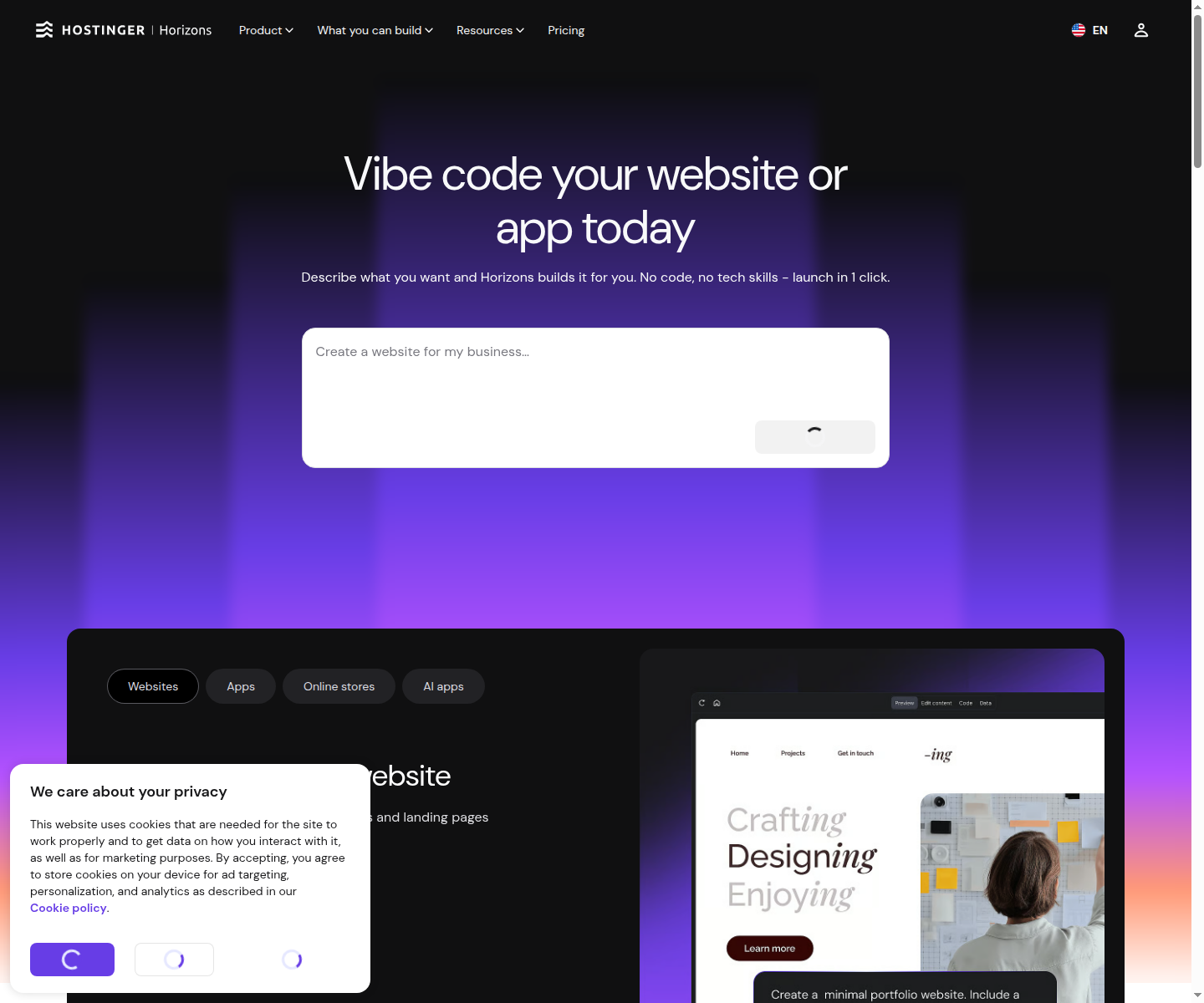
Hostinger Horizons: A Cursor Alternative for founders and operators who want to turn prompts into hosted web apps and websites without building from a local developer stack
Hostinger Horizons is a AI app builder developed by Hostinger. It packages prompt-driven app generation, managed hosting, domains, analytics, and publishing into a browser workflow instead of asking users to work inside a traditional AI coding IDE. As a Cursor alternative, it targets founders and operators who want to turn prompts into hosted web apps and websites without building from a local developer stack.
Hostinger Horizons vs. Cursor: Quick Comparison
| Tool | Cursor | |
|---|---|---|
| Type | Managed AI web app builder | Standalone IDE (VS Code fork) |
| Pricing | Paid plans from $6.99/month | Free / $20 / $40 per month |
| LLM choice | Managed inside the platform | Built-in models + own key |
| Offline / local models | No | No |
| Open source | No | No |
| Codebase indexing | Not a core feature | Yes (automatic) |
| Multi-file edits | Yes, through builder-driven project updates | Yes |
Key Strengths
- All-in-one launch stack: Horizons is built for people who want more than code suggestions. The product combines prompt-based generation with hosting, domains, accounts, data storage, analytics, and selling features under one roof. That makes it appealing when the real goal is getting a working web product live quickly rather than maintaining a classic developer environment.
- Lower setup friction for non-engineers: A major part of Horizons' value is that it avoids the usual local setup tax. Founders, marketers, and operators can move from idea to prototype in a browser without choosing frameworks, provisioning infrastructure, or preparing an editor workflow first. For teams at the validation stage, that reduction in setup overhead can matter more than deep code ergonomics.
- Clear pricing ladder for launch-stage teams: Unlike many AI builders that hide behind vague credit language, Hostinger publishes a visible entry ladder with feature and credit differences between plans. Explorer, Starter, Hobbyist, and Hustler target progressively heavier use cases, which gives buyers a practical way to estimate whether the tool fits simple MVP work or a broader launch effort. The pricing is still managed-service pricing, but it is easier to reason about than many competing products.
- Commercial website and app features: The official pricing page explicitly includes capabilities like subscriptions, analytics, ecommerce-adjacent flows, and multi-site scaling. That matters because many app builders are strongest at demos but weaker at moving toward a usable product with operational features. Horizons is more credible when the next step after generation is publishing, testing, and potentially selling.
Known Weaknesses
- Less direct engineering control: Horizons is deliberately abstracted compared with a coding IDE. That is helpful for speed, but it also means developers who want tight control over repository structure, debugging, custom tooling, and local workflows may feel constrained. The product solves launch friction better than it solves advanced engineering ownership.
- Managed-platform tradeoffs: Because Horizons bundles hosting and the broader app workflow, it also centralizes more of the operating surface inside Hostinger. That can be a benefit for inexperienced teams, but it reduces flexibility compared with builder tools that emphasize export, open components, or local control. Teams should recognize that convenience and platform dependence rise together.
- Community feedback remains mixed on maturity: External reviews and user commentary praise the speed of producing prototypes, but they also highlight editing quirks, UX rough edges, and concerns about how the product behaves under longer sessions. That does not disqualify Horizons, but it does mean serious buyers should test an actual project, not just a short demo prompt, before betting on it.
Best For
Hostinger Horizons is best for founders, solo operators, and mixed-skill teams that care more about getting a product online than about owning every implementation detail from day one. It fits well when the problem is launch speed, not developer purity. If your team needs an app, site, or internal tool faster than it needs a perfectly curated code workflow, Horizons is a serious option.
Pricing
- Explorer: $6.99/month on the official pricing page with 30 AI credits per month and support for creating one website.
- Starter: $13.99/month with 70 AI credits per month, up to 25 websites, customer support priority, analytics, and broader selling features.
- Hobbyist / Hustler: $39.99/month and $79.99/month with larger credit pools, more projects, code editor access, and earlier feature access on the top tier.
Prices are subject to change. Check the official pricing pages for current details.
Technical Details
- Models supported: Hostinger markets Horizons as an AI builder, but the exact public model matrix is not documented in the official pricing material reviewed for this run
- Context window: Not publicly documented
- IDE / platform: AI app builder
- Offline / local models: No
- Codebase indexing: Not a repo-indexing product; the focus is prompt-based website and web app generation inside Hostinger's managed workflow
- API access: No separate public Horizons platform API is documented on the reviewed official pages
- Open source: No
Workflow Fit
The workflow is most natural when the user wants a managed browser path from prompt to published asset. You describe the product, refine the output, and lean on Hostinger's broader stack for hosting and go-live steps rather than leaving the platform early. That makes Horizons more comparable to an AI product studio than to an editor assistant, and that difference is exactly why it can be useful in early-stage product work.
Implementation Notes
Implementation planning for Horizons should focus on launch constraints rather than local architecture. Buyers need to think about credits, number of projects, whether managed hosting is a feature or a lock-in concern, and how much post-generation editing they expect to do. It is a good tool when the business outcome is quick delivery, but teams that already know they need deep custom engineering should not confuse it with a complete replacement for conventional development practice.
Migration Considerations
Moving from Cursor to Horizons means shifting from a code-first mindset to a launch-first mindset. Cursor assumes you are already inside software development and want AI help there. Horizons assumes you want a browser product quickly and are willing to accept a more managed environment to get it. That is why Horizons is most compelling before a codebase and team process are fully formed.
Team Adoption
For teams, Horizons works best when the bottleneck is coordination between idea owners and implementers. Because the workflow is more approachable than a full coding stack, non-engineers can participate earlier in shaping the product. That can compress feedback loops, but engineering teams should still define when a browser-built product remains inside Horizons and when work graduates into a more conventional code-owned environment.
Governance and Cost Control
Governance with Horizons is mostly about platform dependence, spend control, and review discipline. The tool can accelerate a launch, but it should still be evaluated against the long-term cost of keeping hosting, features, and iteration tied to one managed vendor surface. Teams that treat Horizons as a fast validation layer rather than an unquestioned forever-home usually make better decisions about when to stay and when to migrate.
Who Should Skip It
Horizons is a weaker fit when your project already demands a mature engineering workflow, deep repository ownership, custom infrastructure, or precise developer tooling from the start. It is also less attractive for teams that see managed hosting and platform dependence as unacceptable tradeoffs. In those contexts, an editor-native or local-first alternative is usually a better match.
Decision Framework
The cleanest way to evaluate Horizons is to ask what stage your product is in. If the need is to launch an MVP, test demand, or give non-engineers a fast route to a working app, Horizons has a strong case. If the need is to iterate inside a disciplined software delivery process with developers in full control, the value proposition becomes much weaker.
Practical Scenarios
Strong scenarios include testing a startup idea, launching a marketing-backed web app quickly, or building customer-facing flows where hosting and selling features matter immediately. Weaker scenarios include complex platform engineering, infrastructure-heavy systems, or teams that already know the product will require deep custom development from the outset. Horizons is strongest where time-to-launch beats fine-grained engineering control.
Selection Verdict
Overall, Hostinger Horizons is a credible alternative when the question is how to get a product online quickly, not how to optimize an editor workflow. Its bundled hosting and clear pricing make it especially relevant for launch-stage work. That will not appeal to every developer, but for founders and operators it can be a more realistic path to a working product than yet another coding assistant.
How It Compares to Cursor
Compared with Cursor, Hostinger Horizons shifts the center of gravity from AI-assisted coding to AI-assisted product launch. Horizons is stronger when the user wants browser-native generation, managed hosting, and a simpler path to publishing. Cursor remains stronger for developers who want an AI companion inside a code-centric workflow with tighter repository awareness.
Conclusion
Choose Hostinger Horizons if your main goal is getting a web product live with less setup, bundled hosting, and a builder experience that non-engineers can use. It is a stronger fit than Cursor for launch-stage app creation, while Cursor remains the better tool for developers working directly inside an established coding environment.
Sources
- Hostinger Horizons
- Hostinger Horizons pricing
- TechRadar review
- VibeCoding review
- BestSellersNews review
FAQ
Is Hostinger Horizons free?
No full standalone free tier was confirmed in this run. The official pricing page starts with the paid Explorer plan at $6.99/month.
Does Hostinger Horizons include hosting?
Yes. The official pricing material positions hosting as part of the bundled managed stack, which is one of the main reasons to choose it.
How does Hostinger Horizons compare to Cursor?
Horizons is better for prompt-to-app launch workflows with hosting included. Cursor is better for developers who want an AI assistant inside an editor-centric coding workflow.
Who should use Hostinger Horizons?
It is best suited to founders, operators, and teams that care about shipping a web app or website quickly without building a local engineering stack first.
Reviews
No reviews yetSimilar alternatives in category

Bolt
AI-powered web app builder that generates and deploys full-stack applications using modern frameworks.

Lovable
Build software products, using only a chat interface

Base44
No-code AI app builder that creates full-stack applications from natural language prompts.