StackSpot AI
Multi-agent AI platform for software development teams. VS Code and JetBrains IDE extensions. Supports custom AI agents with Knowledge Sources, Quick Commands, and MCP tool integrations. Used by enterprises like Itaú, Vivo, Porto.
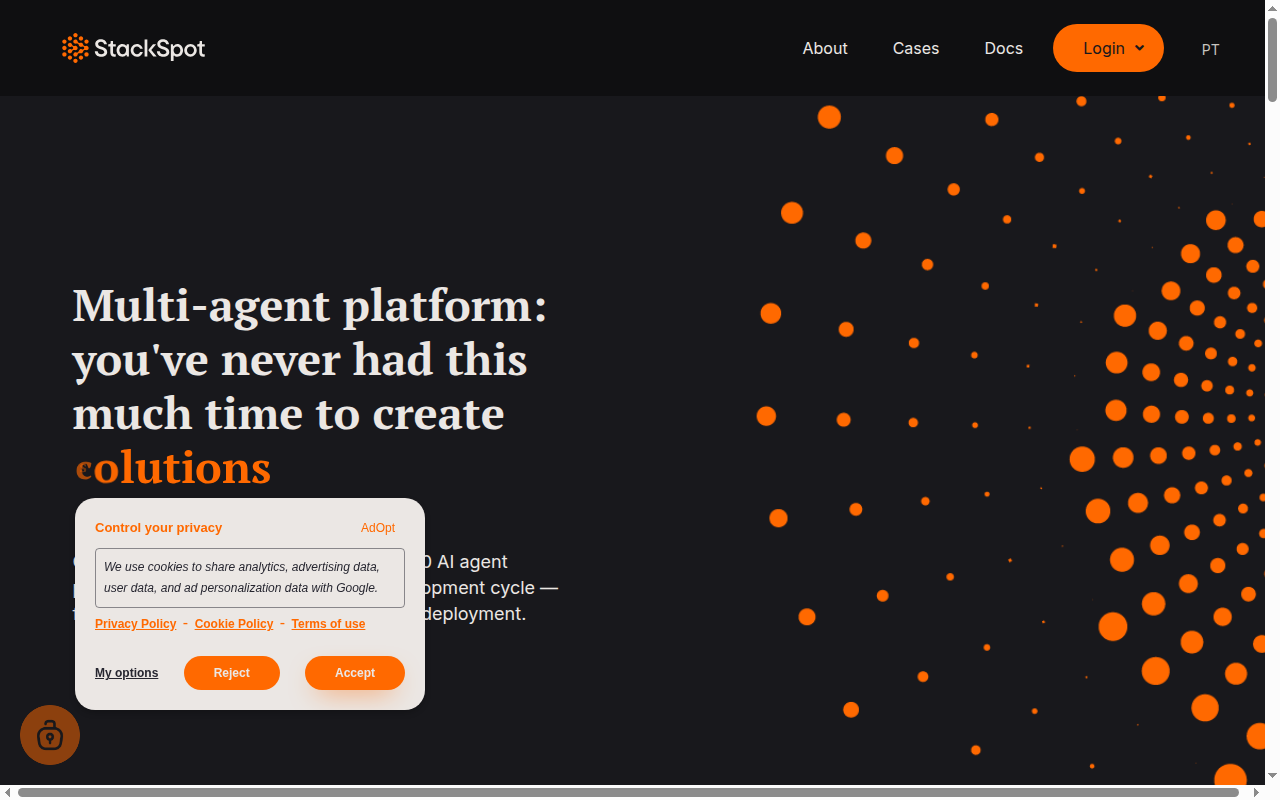
StackSpot AI: A Cursor Alternative for Enterprise Teams with Custom AI Agents
StackSpot AI is an enterprise-grade AI development platform built by StackSpot, designed specifically for software teams that need more than generic code completions—they need AI agents customized to their own architecture, standards, and internal knowledge. Available as extensions for VS Code and JetBrains IDEs, StackSpot AI goes beyond code completion with a multi-agent framework that allows teams to build specialized AI assistants using Knowledge Sources (internal documentation, ADRs, coding standards), Quick Commands (reusable AI workflows), and MCP tool integrations. Trusted by major Brazilian enterprises including Itaú (one of Latin America's largest banks), Vivo (Brazil's largest telecom), and Porto (insurance and financial services), StackSpot AI is purpose-built for organizations where AI-generated code must comply with internal security policies, architectural guidelines, and regulatory requirements that generic AI tools cannot enforce. For enterprise engineering teams evaluating a Cursor alternative that can be governed and customized to company standards, StackSpot AI offers a uniquely structured approach.
StackSpot AI vs. Cursor: Quick Comparison
| Feature | StackSpot AI | Cursor |
|---|---|---|
| Type | IDE Extension / Multi-agent Platform | Standalone AI IDE (VS Code fork) |
| Pricing | 30-day free trial; paid/enterprise plans (contact for pricing) | Free tier; Pro $20/mo; Business $40/user/mo |
| LLM choice | Model-agnostic (multiple LLMs supported) | Claude Sonnet, GPT-4o, Gemini (curated) |
| Offline/local models | No — cloud-based | No — cloud-based |
| Open source | No — proprietary platform | No |
| Codebase indexing | Yes — via Knowledge Sources (docs, specs, internal wikis) | Yes — semantic vector indexing with @codebase |
| Multi-file edits | Yes — via AI agents and Quick Commands | Yes — Composer/Agent mode |
Key Strengths
- Customizable Knowledge Sources for team-specific AI: StackSpot AI's most distinctive feature is Knowledge Sources—the ability to feed the AI your own internal documentation, architectural decision records (ADRs), API specifications, security policies, and coding standards. This means AI completions and suggestions are grounded in your team's actual practices, not generic best practices that may conflict with your architecture. A bank like Itaú can configure StackSpot to always suggest security-compliant patterns; a microservices team can ensure AI always follows their specific service boundaries.
- Quick Commands for standardized AI workflows: Teams can define Quick Commands—reusable AI workflows triggered by simple commands—for common tasks like generating unit tests to company test standards, creating boilerplate for internal framework components, or running security scans on generated code. These commands codify institutional knowledge into repeatable AI-assisted workflows, reducing variance between team members and ensuring consistent output quality.
- MCP tool integration for extended agent capabilities: StackSpot AI supports Model Context Protocol (MCP) integrations, allowing the AI agents to connect with external tools—Jira, Confluence, internal APIs, monitoring systems, and more. This transforms the coding assistant from a file-level tool into an agent that can pull context from across the organization's knowledge graph, making it significantly more capable for enterprise use cases than standalone AI editors.
- Works with existing CI/CD toolchains: StackSpot AI integrates with GitHub Actions, Jenkins, Azure DevOps, and GitLab, enabling AI-assisted code review and validation in existing pipelines. Teams don't need to change their deployment infrastructure to benefit from StackSpot's AI governance features.
Known Weaknesses
- No public pricing transparency: StackSpot AI does not publish its pricing on the website beyond mentioning a 30-day free trial and individual developer access. Enterprise buyers must contact StackSpot for quotes, which adds friction for teams doing cost comparison evaluations. Cursor and most competitors publish clear per-seat pricing upfront.
- Steeper onboarding and setup: StackSpot AI's power comes from customization, but that customization requires investment. Setting up Knowledge Sources with meaningful internal documentation, creating well-designed Quick Commands, and configuring MCP integrations takes meaningful engineering time. Small teams or individual developers may find the setup overhead disproportionate compared to simpler tools like Cursor or GitHub Copilot.
- Enterprise-focused means less individual developer polish: StackSpot AI's product decisions are clearly oriented toward enterprise team use cases. Individual developers who just want seamless, fast AI completions without configuring knowledge bases or commands may find the UX less fluid than Cursor, which is highly polished for individual developer workflows.
Best For
StackSpot AI is best suited for mid-to-large enterprise engineering teams that need AI coding assistance governed by internal standards, security policies, and architectural guidelines. It is particularly valuable in regulated industries—banking, insurance, telecommunications, healthcare—where AI-generated code must comply with strict internal requirements that cannot be enforced by general-purpose tools. Organizations with established internal developer platforms (IDPs), well-documented architectures, and the engineering capacity to invest in AI platform setup will see the highest return from StackSpot AI's customization capabilities.
Pricing
- Free Trial: 30-day free trial available for teams to evaluate the full platform
- Individual Developer Plan: Available (contact StackSpot for details)
- Enterprise Plans: Custom pricing; contact StackSpot at stackspot.com for volume pricing, compliance features, and SLA terms
Pricing verified from stackspot.com and StackSpot AI documentation as of May 2025. Contact StackSpot directly for current pricing details.
Technical Details
- Models: Model-agnostic; supports multiple LLMs (specific models configurable per organization)
- Platform: VS Code extension, JetBrains IDE extension, GitHub Actions integration, Jenkins, Azure DevOps, GitLab CI
- Offline support: No — cloud-based inference and knowledge processing
- Open source: No — proprietary platform; some open-source components at github.com/stack-spot
- Knowledge Sources: Internal documentation, ADRs, OpenAPI specs, Confluence pages, custom text/markdown documents
- Quick Commands: Reusable AI workflow templates definable per organization
- MCP integrations: Supports Model Context Protocol for connecting AI to external tools and APIs
- API access: Enterprise API access for custom integrations
- Company: StackSpot (enterprise subsidiary of Zup Innovation, Brazil)
How It Compares to Cursor
StackSpot AI and Cursor address the same underlying need—AI assistance for software development—but from fundamentally different philosophies. Cursor optimizes for individual developer experience: fast, fluid, AI-native editing with powerful multi-file agents and codebase indexing. StackSpot AI optimizes for enterprise governance: customizable AI agents grounded in organizational knowledge, Quick Commands that standardize team workflows, and CI/CD integrations that embed AI into existing delivery pipelines. A mid-sized startup with 5-20 developers who want to move fast would likely choose Cursor; an enterprise bank deploying AI coding assistance to 500+ developers while maintaining compliance with internal security policies would be better served by StackSpot AI's governance-first architecture.
Conclusion
StackSpot AI is the right choice for enterprise engineering teams that need AI coding assistance customized to their own architectural standards, security policies, and internal knowledge base—and who have the organizational maturity to invest in setting up that customization. It's proven in demanding regulated-industry environments through deployments at Itaú, Vivo, and Porto. Teams looking for a simple, fast individual AI coding assistant should look at Cursor or GitHub Copilot; teams building an enterprise-wide AI development platform with governance and standardization at the core will find StackSpot AI uniquely capable.
Sources
FAQ
What are Knowledge Sources in StackSpot AI?
Knowledge Sources are custom documents and data feeds you provide to StackSpot AI to ground its suggestions in your organization's specific context. You can upload internal coding standards, architectural decision records (ADRs), API specifications, security policies, Confluence pages, or any other documentation. The AI uses this context to generate code that adheres to your team's actual practices rather than generic patterns—making suggestions compliant with your framework choices, naming conventions, and security requirements by default.
Which enterprises use StackSpot AI?
StackSpot AI is used by major Brazilian enterprises including Itaú Unibanco (one of Latin America's largest banks), Vivo (Brazil's largest telecommunications company), and Porto (insurance and financial services). These deployments demonstrate StackSpot's capability to operate in highly regulated, security-sensitive enterprise environments with strict compliance requirements.
Does StackSpot AI work with JetBrains IDEs?
Yes. StackSpot AI provides native extensions for both VS Code and the full JetBrains IDE family, including IntelliJ IDEA, PyCharm, WebStorm, GoLand, and others. This dual-IDE support is important for enterprise teams where different developers use different editors—StackSpot AI's Knowledge Sources and Quick Commands work consistently across both IDE families.
How is StackSpot AI different from GitHub Copilot for Enterprise?
Both products target enterprise AI coding assistance, but with different approaches. GitHub Copilot Enterprise can be grounded in your codebase via Copilot Knowledge Bases and offers similar IDE extensions. StackSpot AI differentiates through deeper customization (Quick Commands for workflow standardization), MCP tool integrations for connecting AI to organizational tools, and its strong track record specifically in Latin American regulated industries. Teams heavily invested in GitHub's ecosystem may prefer Copilot; teams wanting a more flexible multi-agent platform architecture may prefer StackSpot AI.
Reviews
No reviews yetSimilar alternatives in category

GitHub Copilot
AI pair programmer that suggests code directly in your existing IDE.

Tabnine
Privacy-focused AI code assistant with extensive IDE support and customizable models.

Qodo
Agentic code integrity platform for reviewing, testing, and writing code with AI across development workflows.