
OpenCode
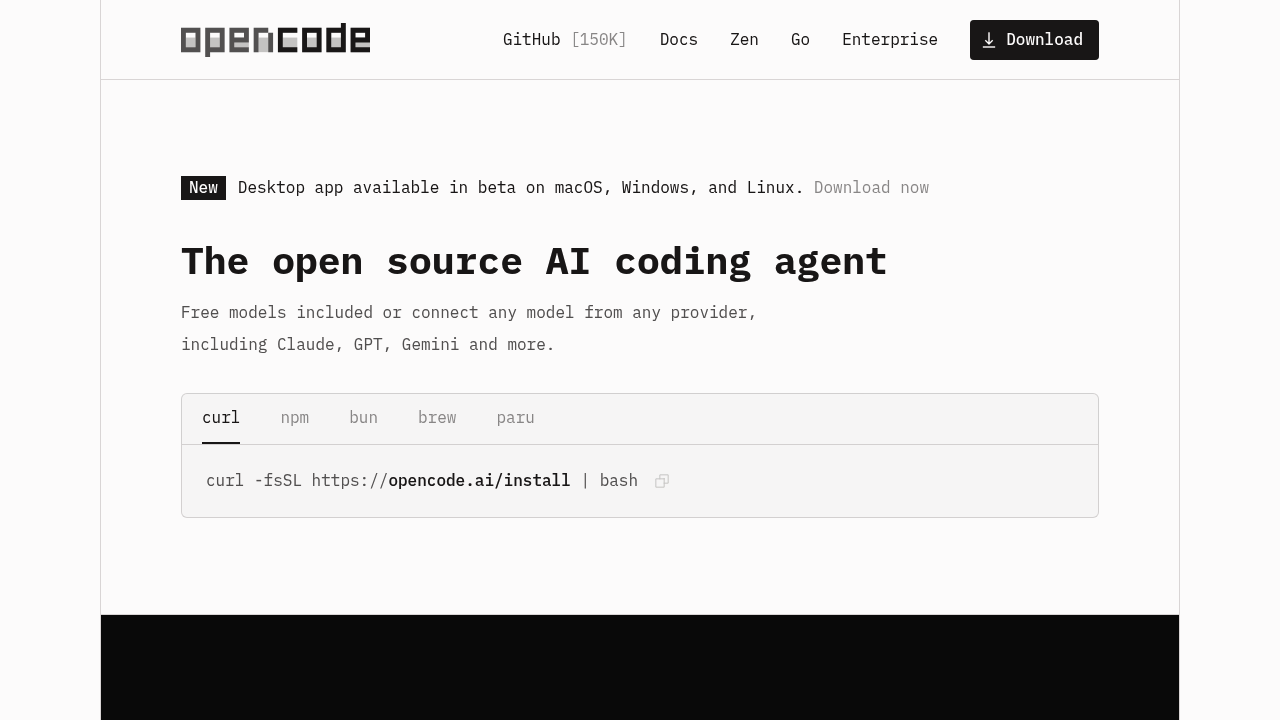
OpenCode is an open source AI coding agent with 150K+ GitHub stars used by 6.5M developers monthly. Available as terminal interface, desktop app, and IDE extension. Supports 75+ LLM providers, LSP-enabled, multi-session.
OpenCode: A Cursor Alternative for Open Source Terminal AI Coding
OpenCode is an open source AI coding agent with 150K+ GitHub stars and 6.5 million monthly developers, available as a terminal interface, desktop app, and IDE extension. Built with MIT license, it supports 75+ LLM providers via Models.dev, features LSP-enabled language server auto-loading, and enables parallel multi-session agent workflows. As a Cursor alternative, it targets developers who want full model flexibility, privacy-first local execution, and an open source foundation — without vendor lock-in to any proprietary IDE or model provider.
OpenCode vs. Cursor: Quick Comparison
| OpenCode | Cursor | |
|---|---|---|
| Type | Open source CLI agent + desktop app + IDE extension | Standalone IDE (VS Code fork) |
| Pricing | Free (BYOK) / Go plan $10/mo / Zen PAYG | Free / $20 / $40 per month |
| LLM choice | 75+ providers via Models.dev + GitHub Copilot + ChatGPT Plus/Pro | Built-in models + own key |
| Offline / local models | Yes — via BYOK with Ollama or local providers | No |
| Open source | Yes — MIT license | No |
| Codebase indexing | No (session-based context) | Yes (automatic) |
| Multi-file edits | Yes | Yes |
Key Strengths
- 150K+ GitHub Stars — Proven Open Source Adoption: OpenCode's 150K+ GitHub stars and 6.5 million monthly active developers make it one of the most widely adopted open source AI coding agents available. This scale of adoption means an active community, frequent contributions, extensive documentation, and rapid bug fixes — all advantages that proprietary tools like Cursor cannot offer through community-driven development.
- 75+ LLM Providers via Models.dev: OpenCode integrates with over 75 LLM providers through the Models.dev registry — including OpenAI, Anthropic, Google, Mistral, Groq, Together AI, and many others — via a single unified interface. Developers can switch providers per session or per project, optimizing for cost, latency, or capability without changing their workflow or configuration.
- LSP-Enabled Language Server Auto-Loading: OpenCode automatically detects and loads Language Server Protocol (LSP) servers for the languages in your project, giving the AI agent access to real-time type information, diagnostics, symbol resolution, and autocomplete data that most terminal-based agents lack. This makes OpenCode's multi-file edits more semantically accurate than agents that rely purely on file content without LSP context.
- GitHub Copilot and ChatGPT Plus/Pro Login: OpenCode uniquely supports authentication via existing GitHub Copilot subscriptions and ChatGPT Plus/Pro accounts, allowing developers to leverage existing paid AI subscriptions without additional API keys or costs. This dramatically lowers the barrier to entry for the millions of developers who already pay for GitHub Copilot or ChatGPT.
- Privacy-First with No Code Storage: OpenCode stores no code on its servers — all processing happens either locally (with local models) or directly between the developer's machine and the chosen LLM provider via the developer's own API keys. This privacy-first architecture makes OpenCode suitable for codebases with strict data handling requirements, proprietary IP protection needs, or enterprise security policies that prohibit third-party code storage.
- Multi-Session Parallel Agents: OpenCode supports running multiple independent agent sessions simultaneously, enabling developers to work on multiple features or bugs in parallel without context contamination between sessions. Combined with desktop app and IDE extension availability, this makes OpenCode a complete development environment for high-throughput individual developers and small teams.
Known Weaknesses
- No Codebase Indexing: Like most terminal-first agents, OpenCode does not automatically index the full codebase for semantic search the way Cursor does. Context is session-based and file-manual, which means developers working on large, interconnected codebases must explicitly include relevant files per session — a significant operational overhead for projects with deep dependency chains across hundreds of files.
- Terminal-First UX Learning Curve: OpenCode's primary interface is a terminal UI, which has a steeper onboarding curve for developers who are primarily accustomed to graphical IDE environments like VS Code or JetBrains. While a desktop app and IDE extension exist, they are newer and less mature than the terminal interface, and the overall UX polish is lower than Cursor's purpose-built GUI.
- BYOK Cost Accumulation: While the open source core is free, BYOK usage means provider API costs accumulate directly on the developer's accounts. Heavy users leveraging frontier models like Claude Opus or GPT-4o across many parallel sessions can incur significant monthly API bills that exceed Cursor's flat-rate subscription — particularly without careful model selection and usage discipline.
- Desktop App and IDE Extension Are Newer and Less Mature: OpenCode's core maturity is concentrated in its terminal interface. The desktop app and IDE extension are more recently developed and carry the expected early-stage limitations in stability, feature completeness, and documentation quality compared to the battle-tested terminal experience.
Best For
OpenCode is best suited for developers who prioritize open source, model flexibility, and privacy-first code handling — particularly those already paying for GitHub Copilot or ChatGPT Plus who want to leverage those subscriptions without additional costs. It's an excellent choice for terminal-native developers, open source contributors, and teams building on sensitive codebases that require no third-party code storage. The 75+ LLM provider support makes it ideal for developers and researchers who regularly compare model performance or need to route specific tasks to specialized models for cost or capability reasons.
Pricing
- Free (BYOK): $0/month — open source, fully self-hosted via MIT license; use your own API keys from any of 75+ supported providers; GitHub Copilot and ChatGPT Plus/Pro login supported at no additional cost
- OpenCode Go: $5/first month, then $10/month — curated open models managed by OpenCode, no API key management required
- OpenCode Zen: Pay-as-you-go — access to premium frontier models (GPT-4o, Claude Opus, etc.) at provider rates; designed for occasional heavy-model users
Prices are subject to change. Check the official pricing page for current details.
Technical Details
- Models supported: 75+ providers via Models.dev; GitHub Copilot login; ChatGPT Plus/Pro login; any Ollama-compatible local model
- Context window: Dependent on underlying model (up to 200K with Claude Opus; up to 128K with GPT-4o; varies per provider)
- IDE / platform: Terminal UI (primary), desktop app, IDE extension; Linux, macOS, Windows
- Offline / local models: Yes — via BYOK with Ollama or any local provider compatible with OpenAI API spec
- Codebase indexing: No — session-based context; files included manually per session
- API access: Yes — via BYOK from each supported provider
- Open source: Yes — MIT license; source on GitHub
How It Compares to Cursor
Cursor is a proprietary, closed-source VS Code fork with a polished GUI, automatic codebase indexing, and a flat-rate subscription that bundles model costs. OpenCode is MIT-licensed, source-available, model-agnostic across 75+ providers, and privacy-first with no code storage — but trades Cursor's GUI polish and automatic codebase indexing for openness and flexibility. The key decision point: if you need automatic codebase awareness and a frictionless GUI, Cursor wins; if you need open source guarantees, model agnosticism, local execution, or privacy-first architecture, OpenCode offers capabilities Cursor fundamentally cannot.
Conclusion
OpenCode is the right Cursor alternative for developers who want an open source, privacy-first AI coding agent with unmatched model flexibility across 75+ LLM providers. With 150K+ GitHub stars, existing GitHub Copilot and ChatGPT Plus integration, MIT licensing, and LSP-enabled language server support, OpenCode offers a compelling combination of capability, openness, and cost control that makes it one of the strongest open source alternatives to Cursor available today.
Sources
FAQ
Is OpenCode free?
Yes. OpenCode is MIT-licensed open source software that is free to use with your own API keys (BYOK). The OpenCode Go managed plan costs $10/month for curated open models, and OpenCode Zen offers PAYG access to premium frontier models.
Does OpenCode work with VS Code?
Yes. OpenCode offers an IDE extension in addition to its primary terminal interface and desktop app. The IDE extension is newer than the terminal interface and continues to receive active development.
How does OpenCode compare to Cursor?
Cursor is a proprietary VS Code fork with automatic codebase indexing and bundled model costs at $20/month. OpenCode is MIT-licensed and model-agnostic across 75+ providers, with no codebase indexing but full local model support, no code storage, and GitHub Copilot/ChatGPT Plus login support for developers already paying for those services.
Can OpenCode run without an internet connection?
Yes, with local model setup. OpenCode supports BYOK with Ollama and other local providers that implement the OpenAI API spec, enabling fully offline AI coding agent workflows without any cloud connectivity.
Reviews
No reviews yetSimilar alternatives in category

Claude Code
Terminal-first AI coding assistant for autonomous development tasks.

Aider — Cursor alternative
Aider is a leading open-source AI pair programming tool that allows you to edit code in your local git repository directly from the terminal or through various community GUIs.

Amp
An agentic coding tool engineered for outcomes, with no token constraints.