Firebase Studio
Firebase Studio (formerly Project IDX) is Google's web-based full-stack AI development workspace. Built on VS Code (Code OSS), powered by Gemini, supports app prototyping from natural language, GitHub import, Android emulators, web previews.
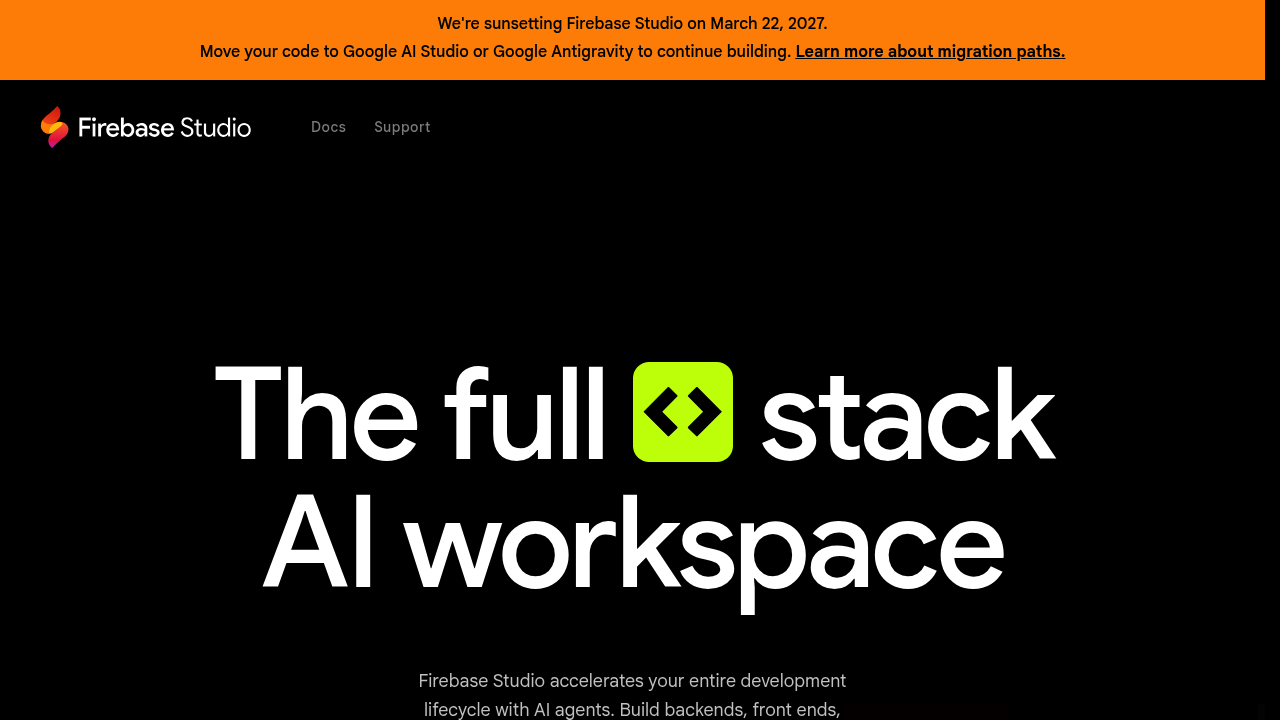
Firebase Studio: A Cursor Alternative for Browser-Based Full-Stack AI Development
Firebase Studio (formerly Project IDX) is Google's web-based full-stack AI development workspace, built on VS Code (Code OSS) and powered by Gemini. It enables developers to prototype, build, and deploy complete applications directly in the browser — including generating full apps from natural language or image mockups via its App Prototyping agent. As a Cursor alternative, it targets developers and small teams who want a zero-install, cloud-native development environment with built-in AI assistance, Android emulation, and direct deployment to Firebase App Hosting or Google Cloud Run.
Firebase Studio vs. Cursor: Quick Comparison
| Firebase Studio | Cursor | |
|---|---|---|
| Type | Web-based AI IDE (browser-native) | Standalone IDE (VS Code fork) |
| Pricing | Free (3–30 workspaces depending on plan) | Free / $20 / $40 per month |
| LLM choice | Gemini only (no BYOM) | Built-in models + own key |
| Offline / local models | No | No |
| Open source | No (Code OSS base is open, Firebase Studio is proprietary) | No |
| Codebase indexing | Yes (workspace-level via Gemini in Firebase) | Yes (automatic) |
| Multi-file edits | Yes | Yes |
Key Strengths
- Zero-Install Browser-Based Development: Firebase Studio requires no local installation whatsoever — the entire development environment runs in the browser, including a VS Code-based editor, terminal, Android emulators, and web previews. This eliminates environment setup friction entirely and enables development from any device with a browser, including Chromebooks and tablets, which Cursor cannot match as a locally-installed desktop application.
- App Prototyping Agent for Natural Language to App: Firebase Studio includes an App Prototyping agent that can generate complete full-stack applications from natural language descriptions or image mockups (wireframes, screenshots). This goes beyond code completion into full-application generation with routing, database schema, and UI components — making it one of the most accessible entry points for rapid app prototyping.
- Gemini in Firebase for AI-Assisted Development: Gemini integration is deeply embedded across the workspace — not just for code completion but for debugging, test generation, and documentation. The AI can analyze runtime errors with full application context, suggest fixes with awareness of the entire workspace state, and generate tests for existing functions without requiring manual context selection.
- Android Emulators and Web Previews Built-In: Firebase Studio includes built-in Android emulators and instant web previews directly in the browser environment — a unique capability that eliminates the need for local Android Studio or separate preview servers. This is particularly valuable for Flutter and React Native developers who typically require heavy local toolchains.
- Native Firebase and Google Cloud Deployment: Firebase Studio provides one-click deployment to Firebase App Hosting and Google Cloud Run, with direct integration into the Firebase console for database, authentication, and hosting management. For teams already on the Google Cloud ecosystem, this dramatically simplifies the build-to-deploy pipeline.
Known Weaknesses
- Gemini-Only (No BYOM): Firebase Studio is locked to Google's Gemini models with no option to bring your own model or use alternative LLMs like Claude, GPT-4, or Mistral. Developers who prefer non-Gemini models or need model-agnostic flexibility will find this a hard constraint, especially compared to tools like Cursor or Amp that support multiple frontier models.
- Browser-Only, No Offline Mode: The entirely browser-based architecture means Firebase Studio is unusable offline or in low-connectivity environments. Developers who travel frequently, work in environments with restricted internet access, or simply prefer local development for privacy reasons cannot use Firebase Studio as their primary development environment.
- Some Integrations Require Paid Billing: While Firebase Studio itself is free, several key integrations — particularly Firebase App Hosting and Google Cloud Run deployments — require a connected Google Cloud billing account. This can surprise developers who expect an entirely free experience and may create unexpected costs for teams deploying production applications.
- Less Agentic Than Cursor for Multi-File Workflows: Despite strong AI integration, Firebase Studio's AI assistance is less focused on autonomous multi-file agentic workflows compared to Cursor's Composer or Claude Code's agent mode. Complex refactors spanning many files and modules require more manual orchestration within Firebase Studio than in dedicated agentic coding tools.
Best For
Firebase Studio is best suited for developers building full-stack web or mobile applications who want to prototype and deploy without any local toolchain setup — particularly teams already invested in the Google Cloud and Firebase ecosystem. It's an excellent choice for Flutter developers, Node.js full-stack teams, and solo developers who want to go from idea to deployed application as quickly as possible using natural language prompts. Students, bootcamp participants, and developers on shared or underpowered hardware will particularly benefit from its zero-install, fully browser-based environment.
Pricing
- Free (No Developer Program): $0/month — 3 workspaces, standard Gemini AI assistance, Android emulators, web previews
- Standard (Google Developer Program): 10 workspaces included
- Premium (Google Developer Program): 30 workspaces included
- Firebase App Hosting / Cloud Run: Requires separate Google Cloud billing account (pay-as-you-go based on usage)
Prices are subject to change. Check the official pricing page for current details.
Technical Details
- Models supported: Gemini (Google's model family; specific versions vary by feature and update cycle)
- Context window: Not publicly documented for workspace AI features
- IDE / platform: 100% web-based (browser); built on Code OSS (VS Code open source); no desktop install
- Offline / local models: No
- Codebase indexing: Yes — Gemini in Firebase indexes workspace context for AI assistance
- API access: Yes — via Firebase and Google Cloud APIs (not a direct IDE API)
- Open source: No — built on Code OSS base (open source), but Firebase Studio itself is proprietary
How It Compares to Cursor
Cursor is a desktop-installed, model-agnostic AI IDE optimized for interactive multi-file coding assistance with automatic codebase indexing. Firebase Studio is a browser-native environment with deeper deployment integration and a unique App Prototyping agent, but trades model flexibility (Gemini-only) and offline capability for zero-install accessibility. Where Cursor focuses on making any developer faster in their existing local environment, Firebase Studio reimagines the entire development environment as a cloud-native, fully-managed workspace — a fundamentally different value proposition that prioritizes deployment pipeline integration over raw coding agent flexibility.
Conclusion
Firebase Studio is the right Cursor alternative for developers who want a completely browser-based, zero-install development experience with deep Google Cloud integration and AI-powered app prototyping from natural language. If you're building on Firebase, deploying to Google Cloud, and want to eliminate local toolchain management — particularly for Flutter or full-stack web projects — Firebase Studio offers a compelling, free-to-start environment that no locally-installed IDE can replicate.
Sources
FAQ
Is Firebase Studio free?
Yes. Firebase Studio offers a free tier with 3 workspaces, full AI assistance via Gemini, Android emulators, and web previews at no cost. Some deployment integrations (Firebase App Hosting) require a separate Google Cloud billing account.
Does Firebase Studio work with VS Code?
Firebase Studio is built on Code OSS (the open-source base of VS Code) and runs in the browser, so it has a VS Code-compatible interface and supports Open VSX extensions — but it is a separate browser-based environment, not a VS Code extension or fork.
How does Firebase Studio compare to Cursor?
Cursor is a locally-installed VS Code fork with multi-model AI support and automatic codebase indexing, optimized for interactive coding workflows. Firebase Studio is entirely browser-based, Gemini-only, and includes unique features like Android emulators, App Prototyping from natural language, and native Firebase/Cloud Run deployment — targeting developers who prioritize zero-install cloud development over raw model flexibility.
What languages and frameworks does Firebase Studio support?
Firebase Studio supports a broad range of web and mobile frameworks including React, Angular, Vue, Next.js, Flutter, Node.js, Python, and others. It provides workspace templates for common stacks and can import projects from GitHub, GitLab, and Bitbucket.
Reviews
No reviews yetSimilar alternatives in category
Windsurf
Windsurf is the world's most advanced AI coding assistant for developers and enterprises. Windsurf Editor — the first AI-native IDE that keeps developers in flow.

Zed
High-performance, multiplayer code editor with integrated AI assistance from the creators of Atom.

Tabby
Self-hosted AI coding assistant offering open-source, on-premises alternative to GitHub Copilot.